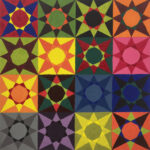
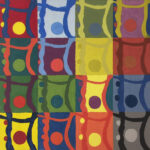
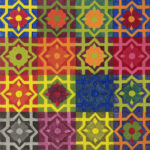
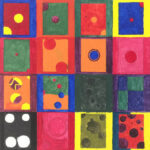
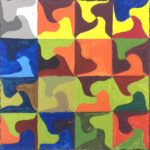
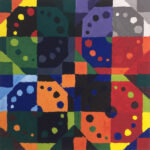
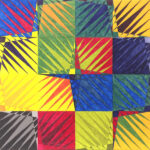
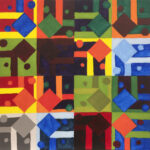
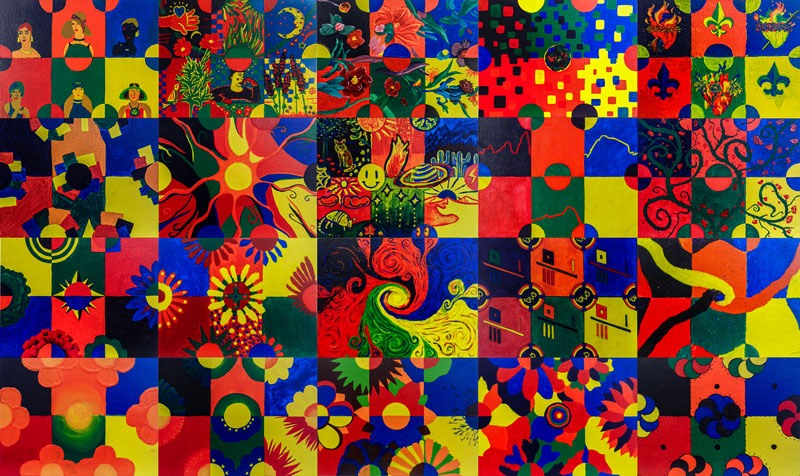
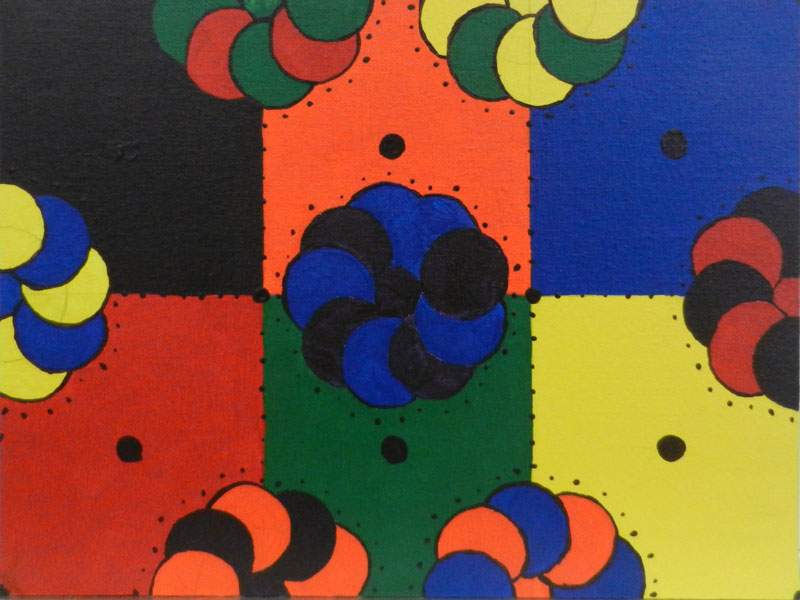
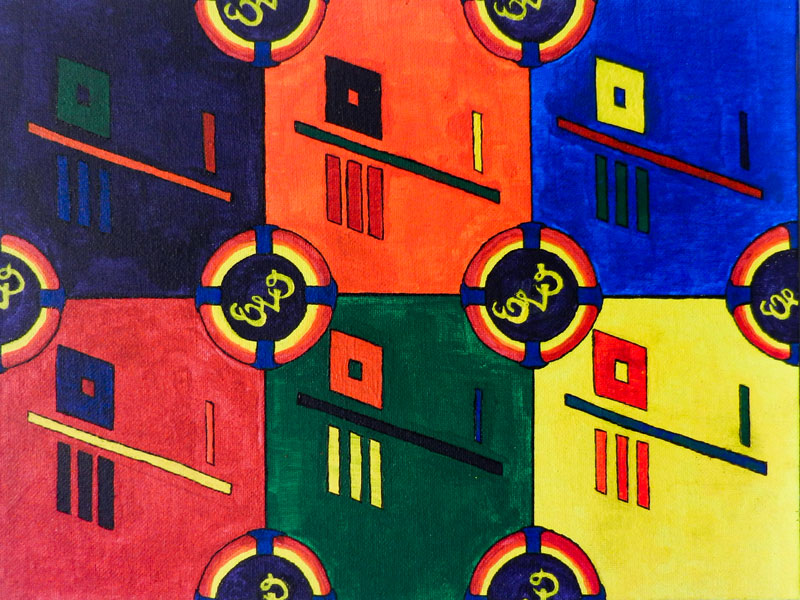
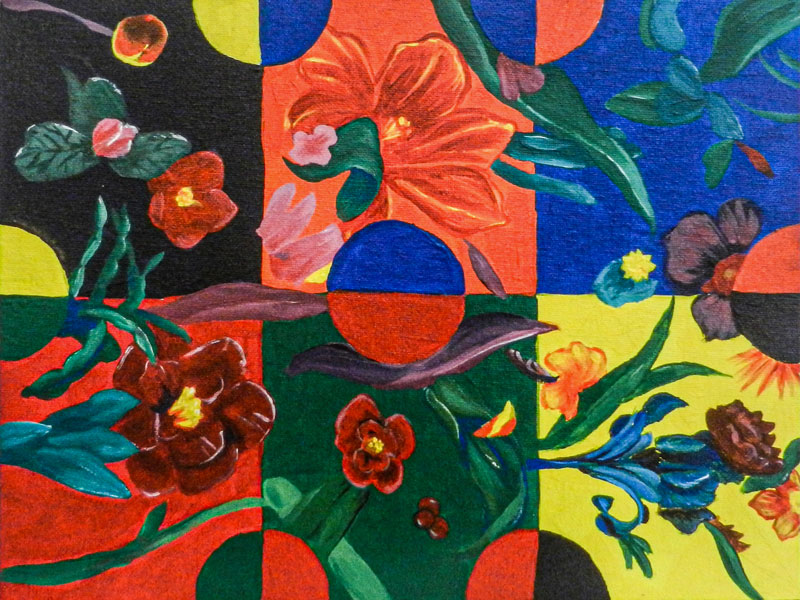
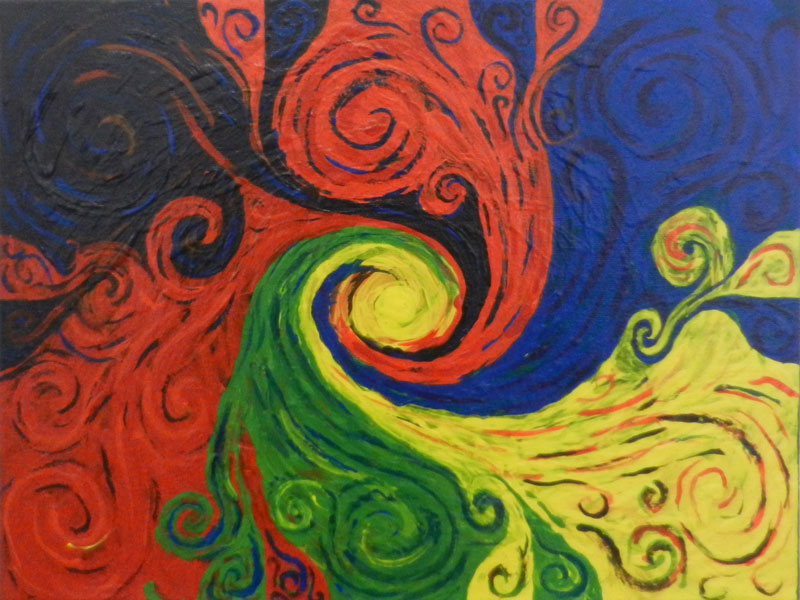
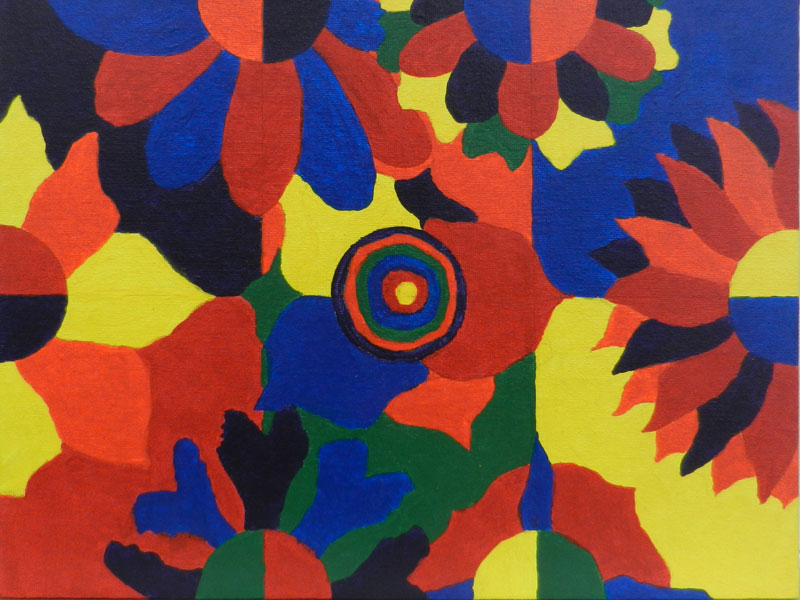
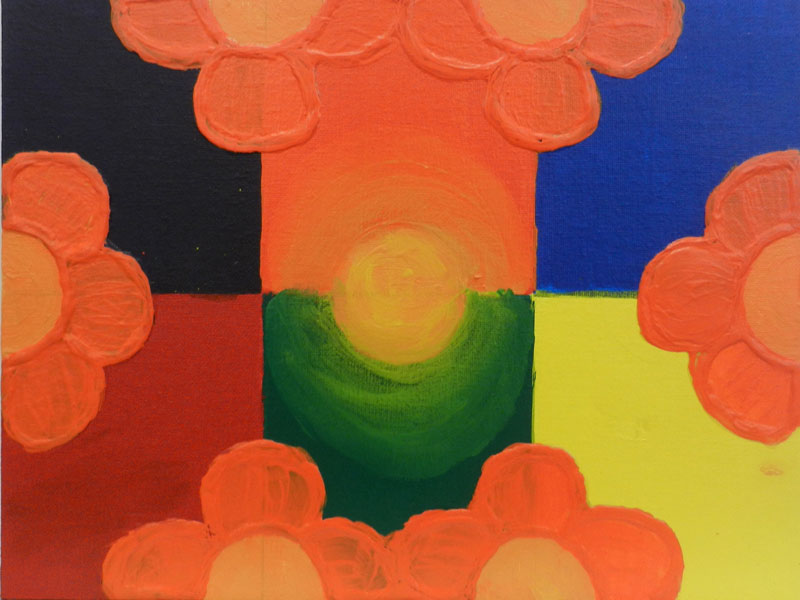
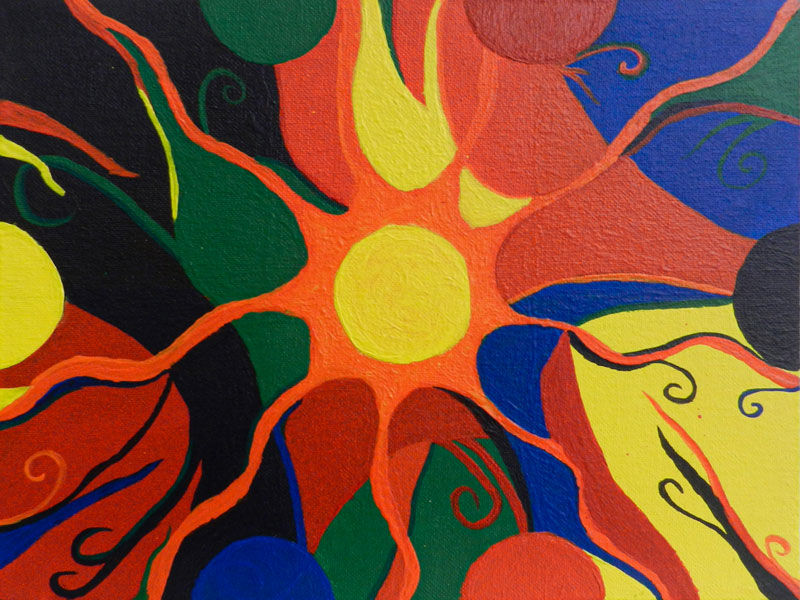
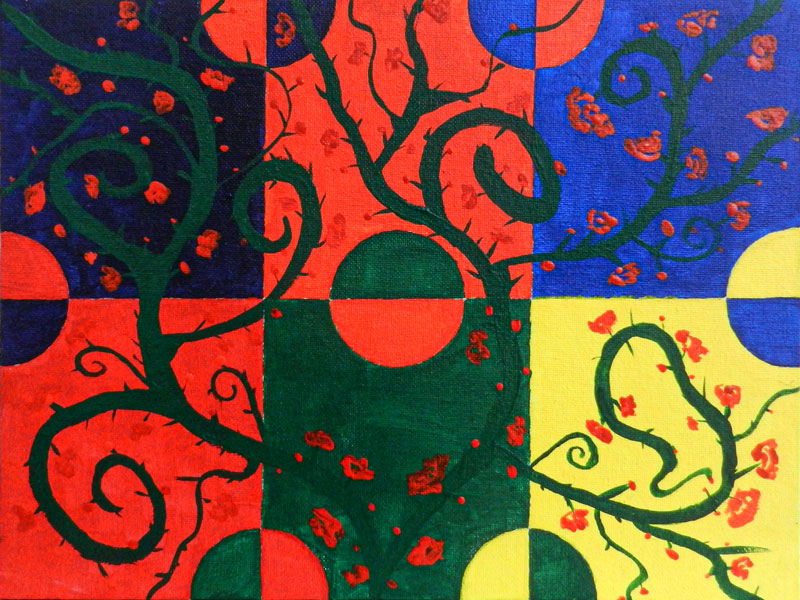
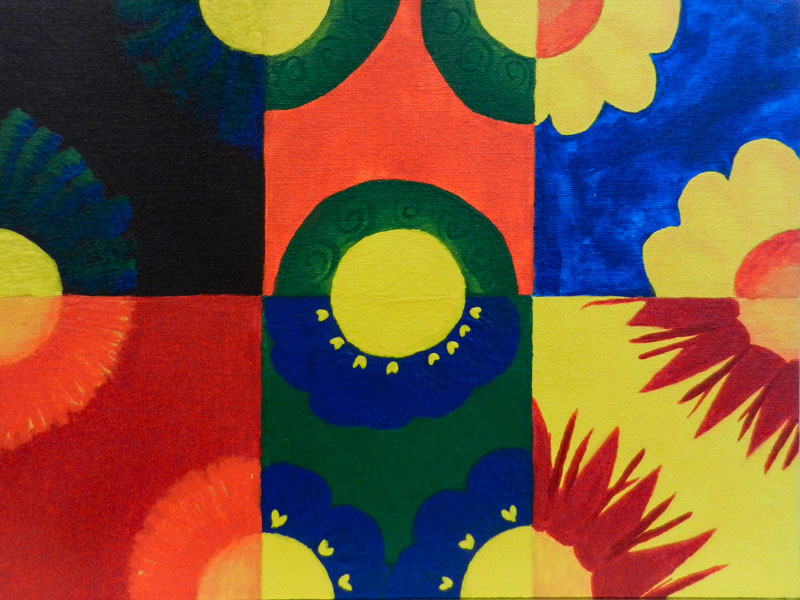
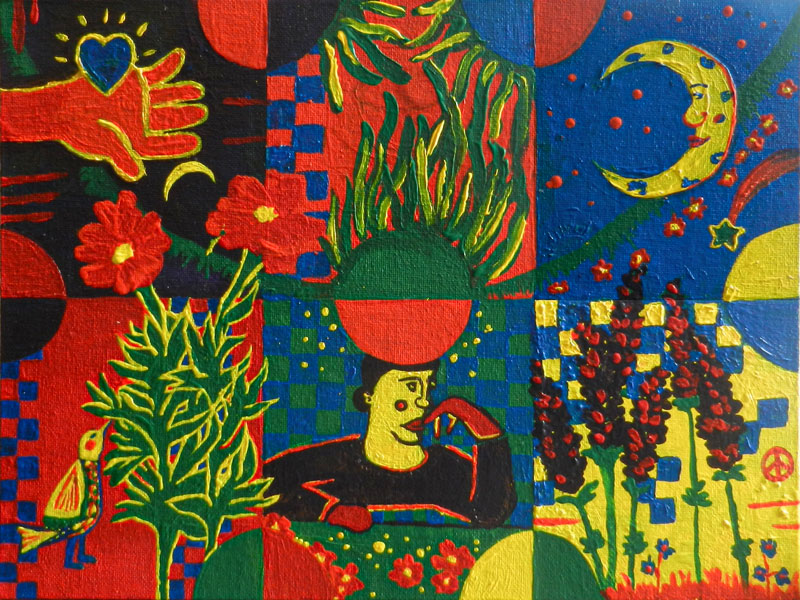
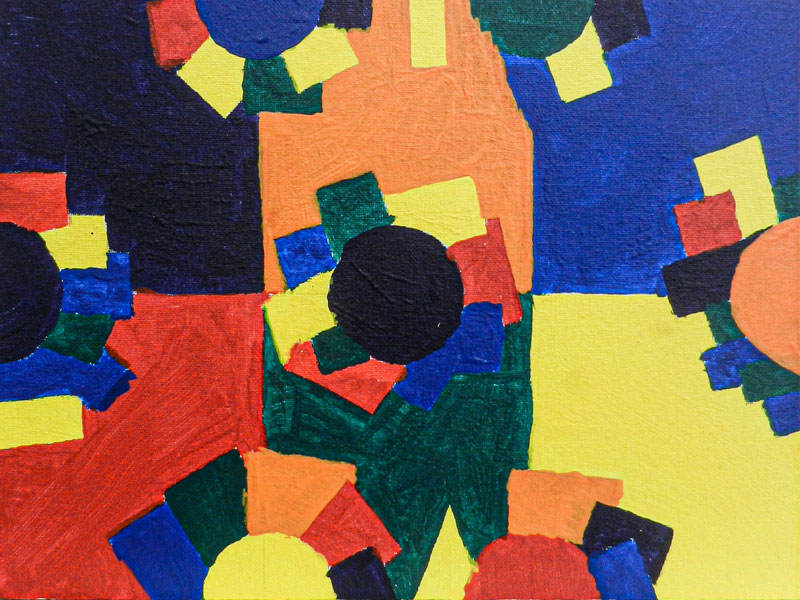
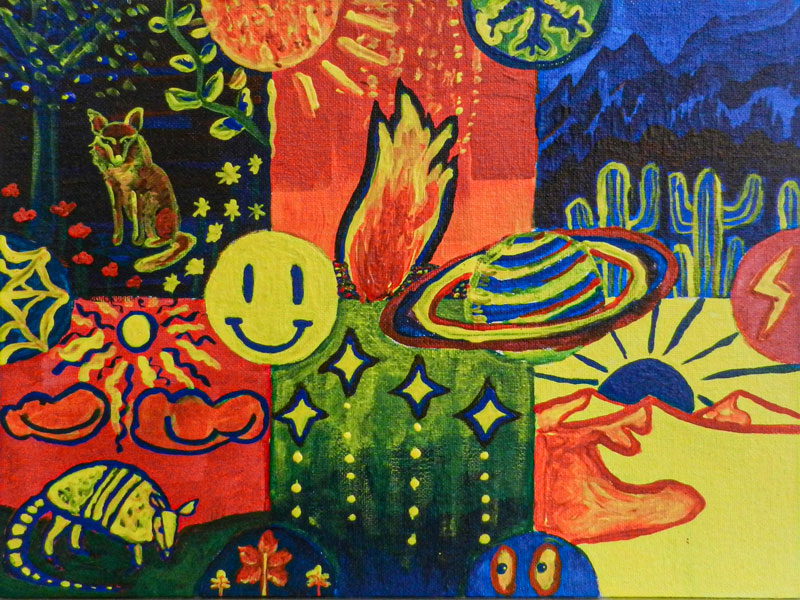
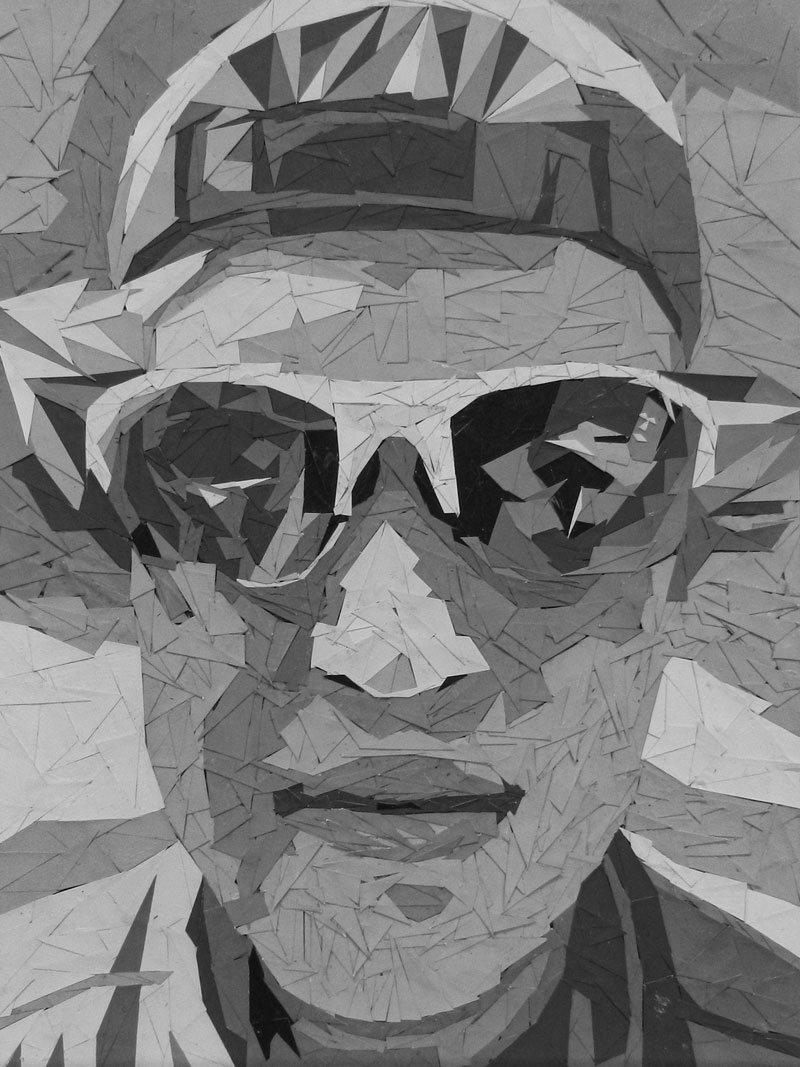
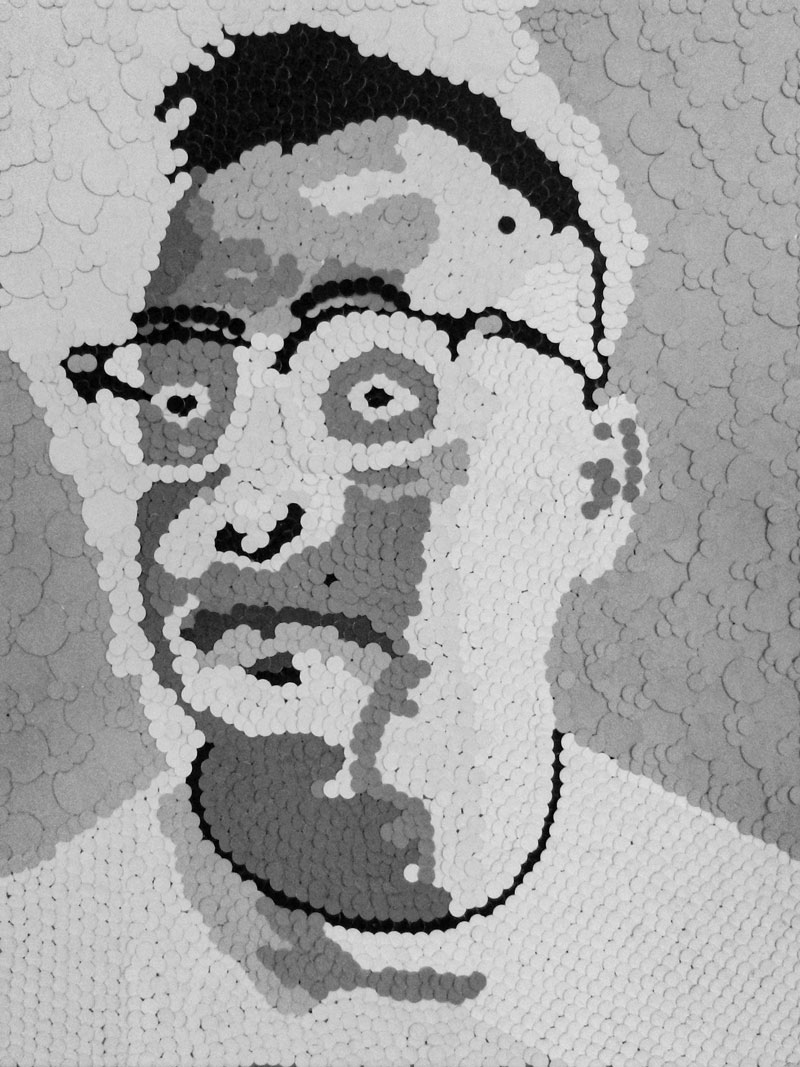
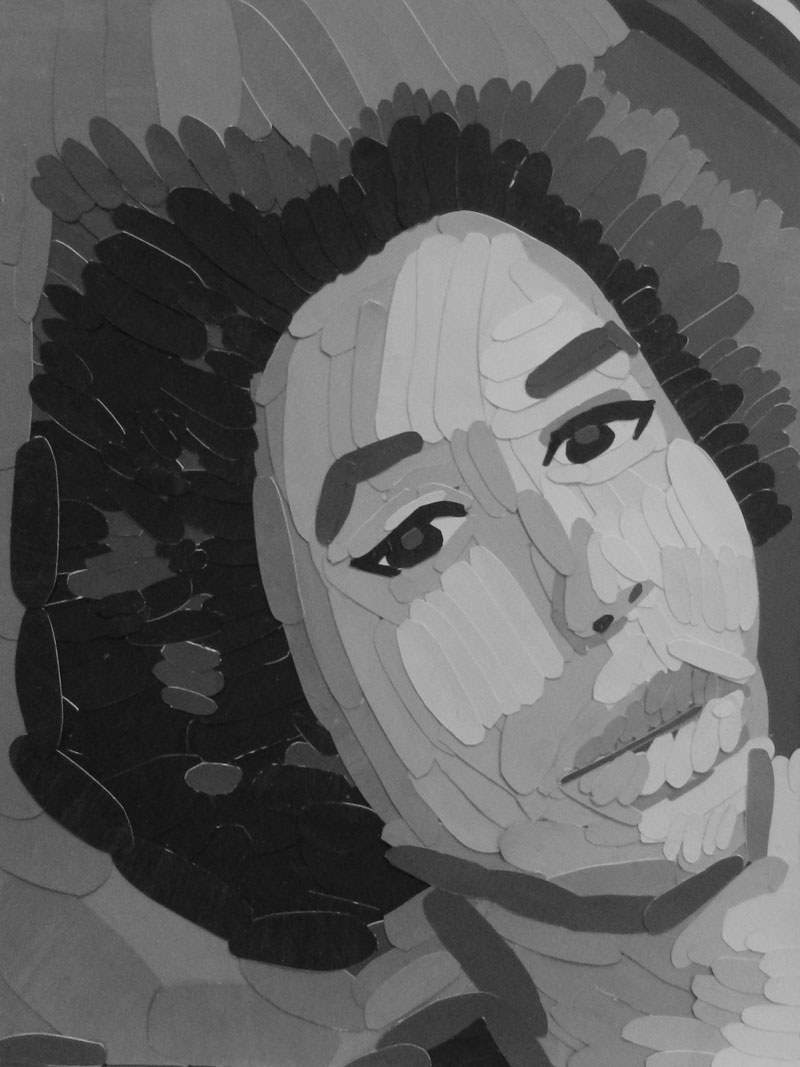
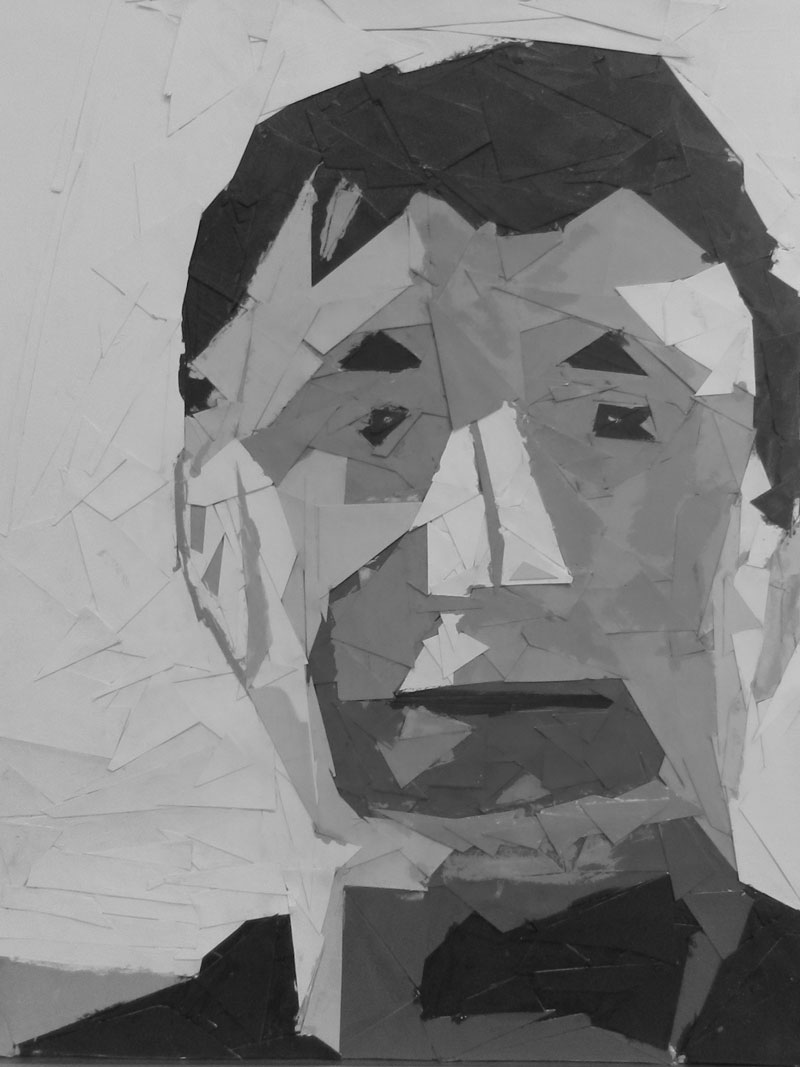
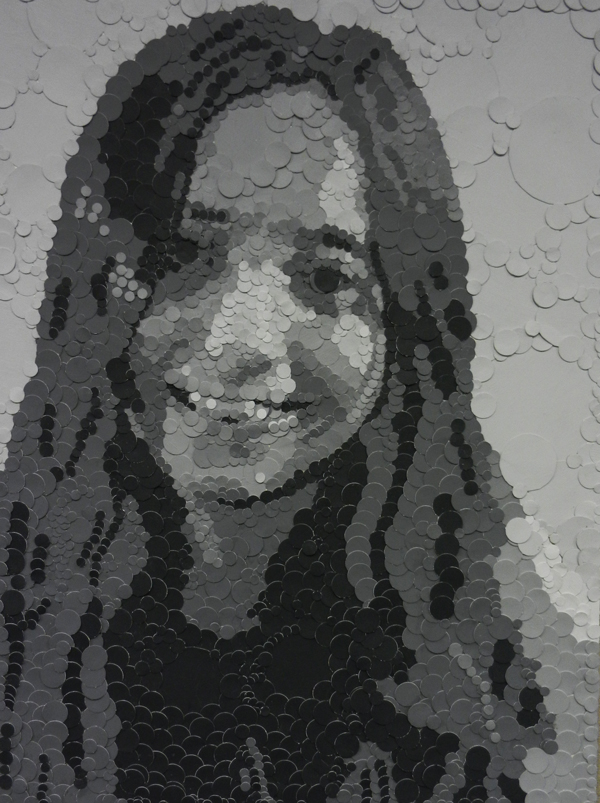
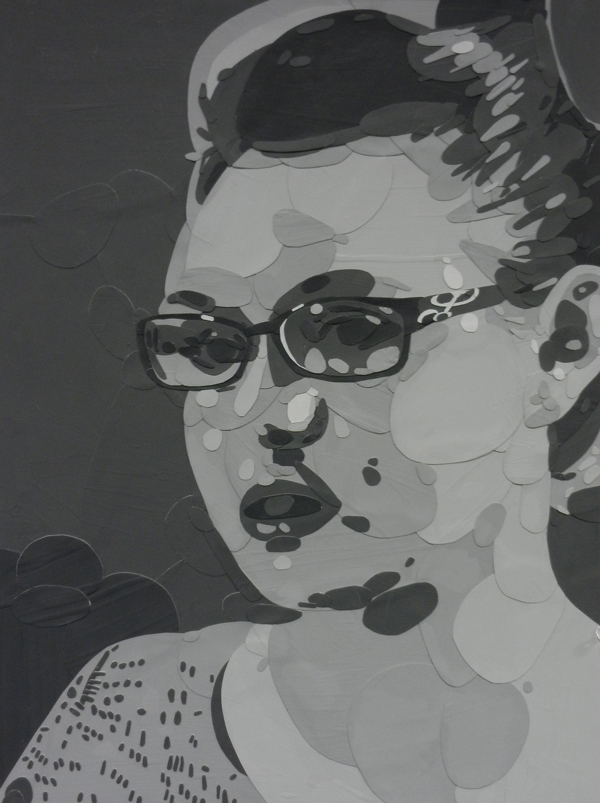
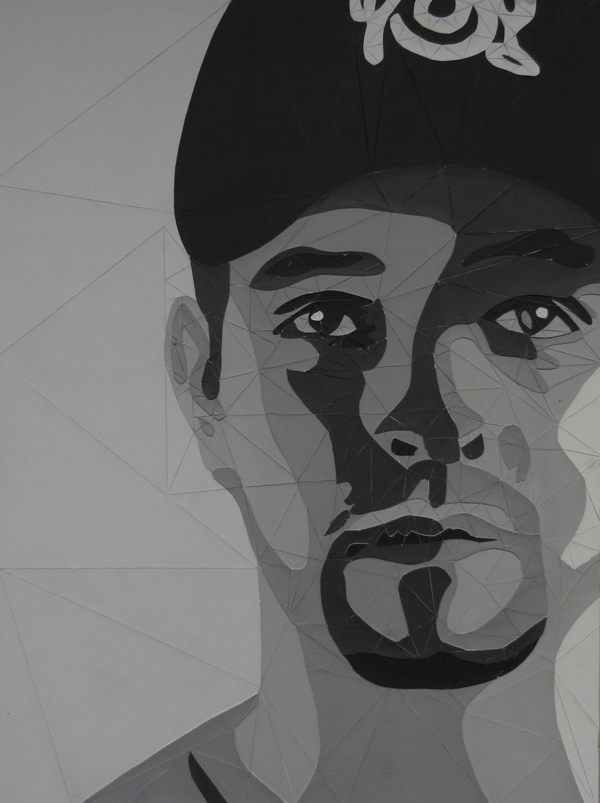
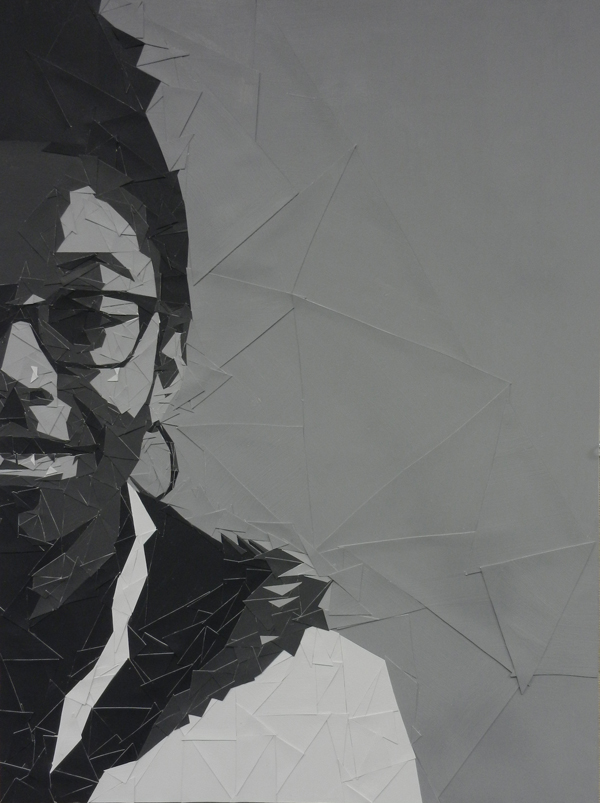
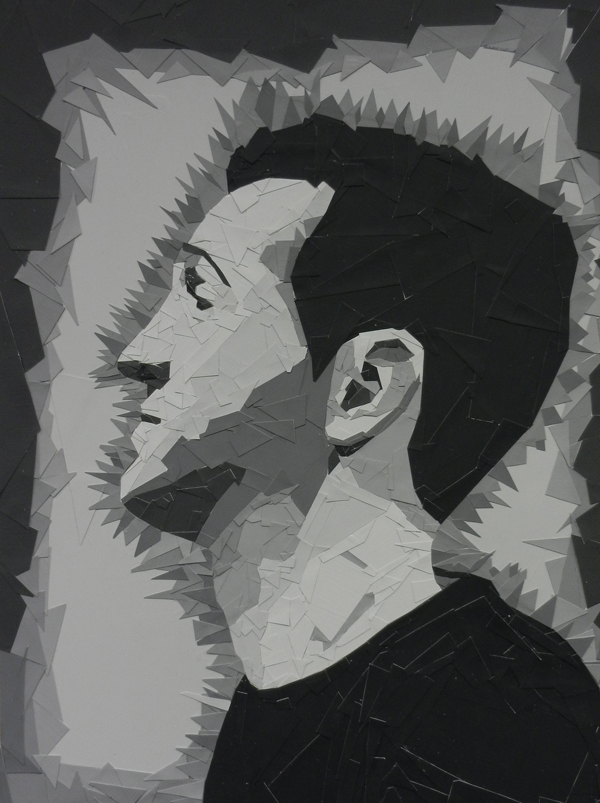
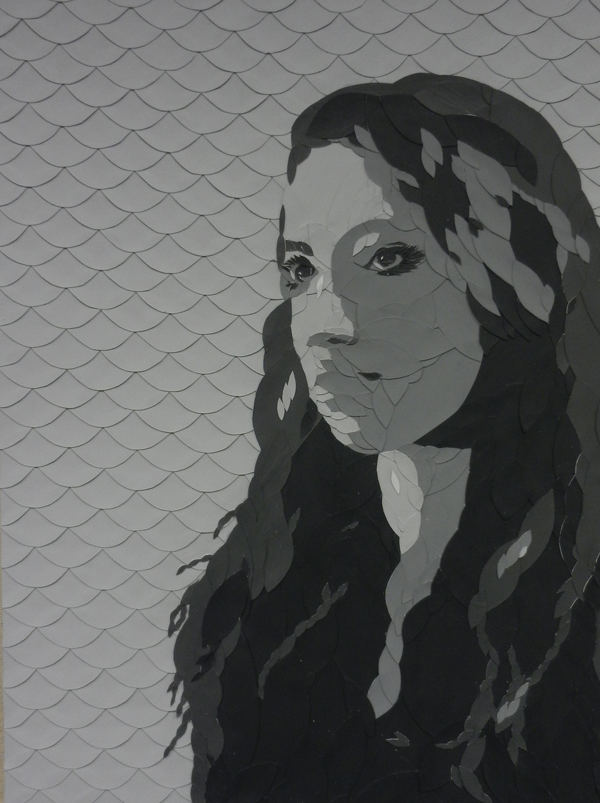
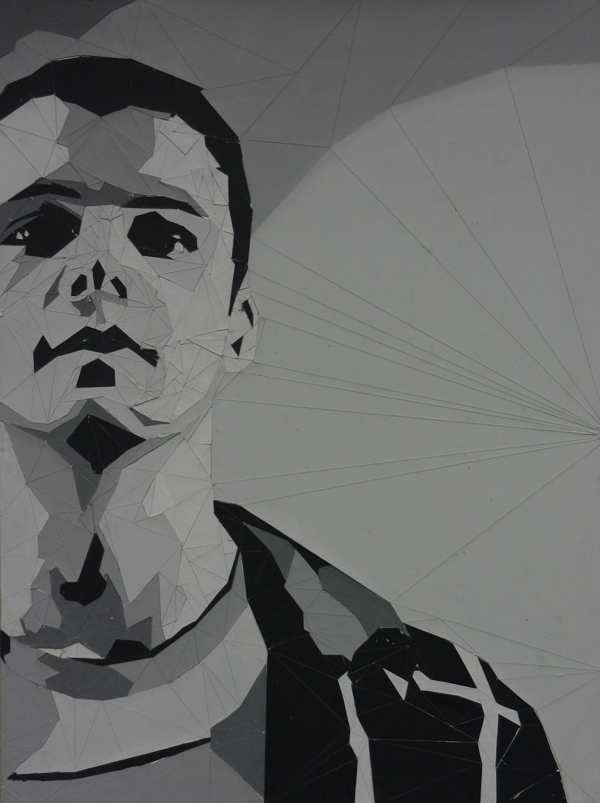
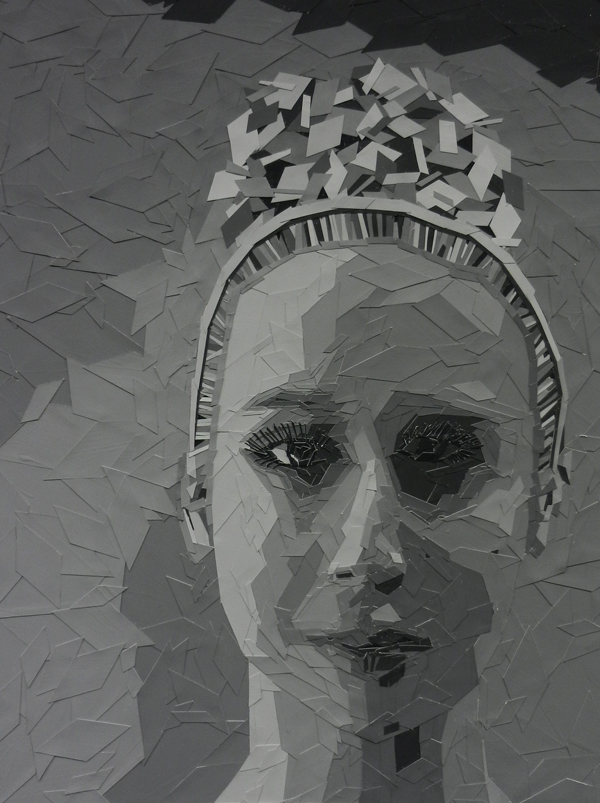
This color study challenged students to mix all colors from three primary colors.
The square canvas board was divided into 16 squares. A design was created within a square module that could be reflected, repeated, or flipped. Student were given parameters for each square to demonstrate a particular colorways illustrated below in the diagram I developed.
Students work with a font and create abstractions from the letterforms into a grid structure. Part of this exercise is to learn how to use a grid, rulers, guidelines, convert text to outlines, and to work with masks and two separate illlustrator files.
Students learned how to mix colors to create secondary colors from primary colors. This project was engineered to have several levels. There were specific boundaries to work within on the composition so that the end design would be a module that would be assembled into a larger group design, yet each unit would reflect the student’s own style.
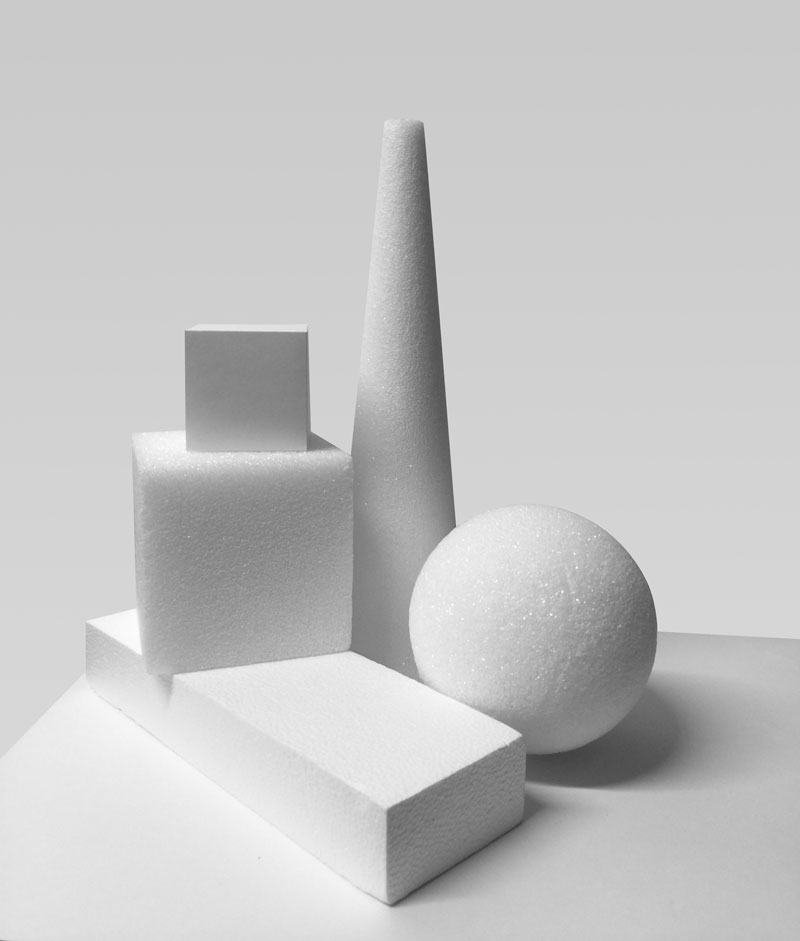
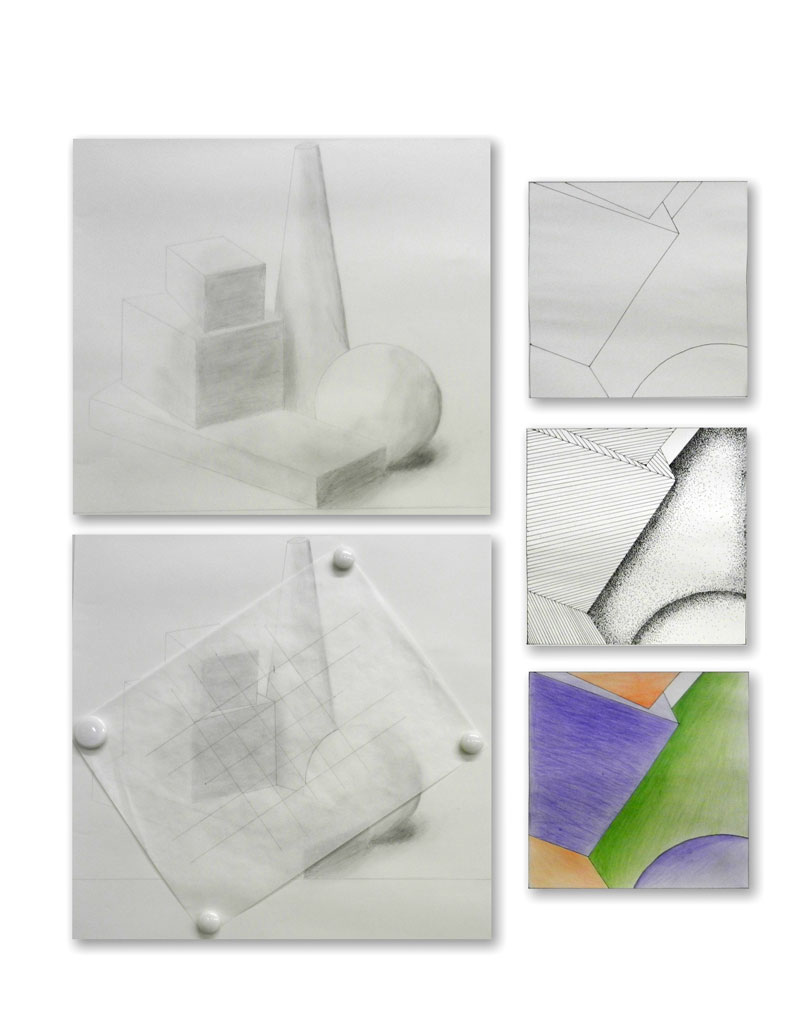
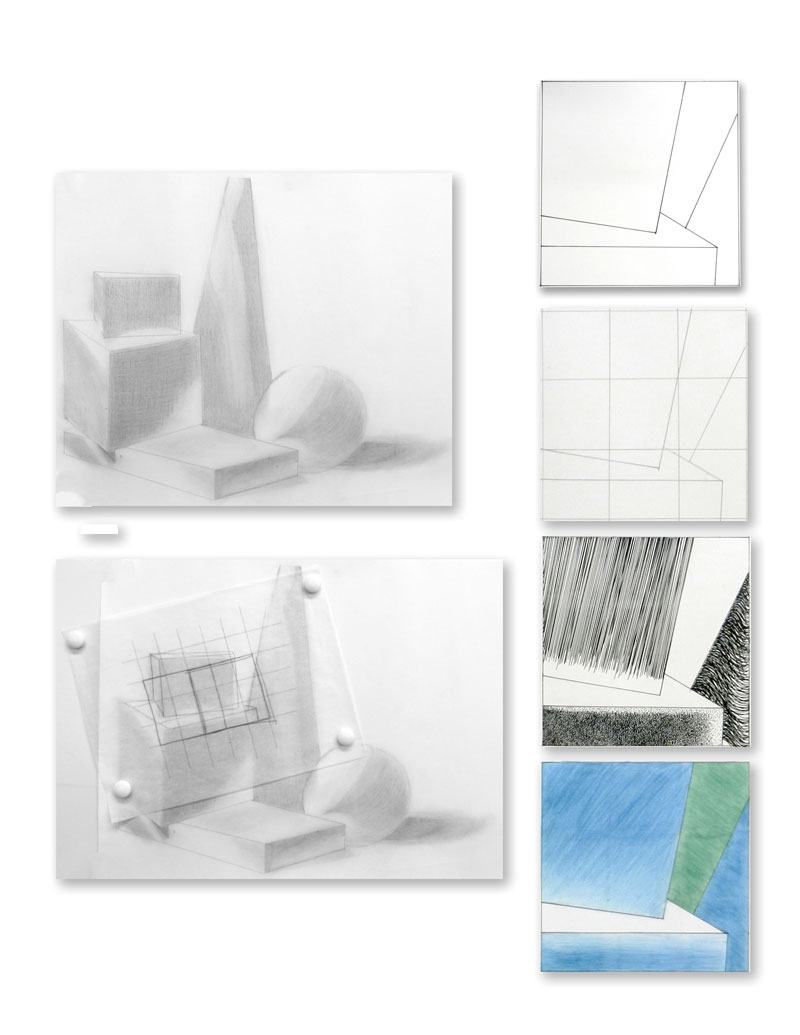
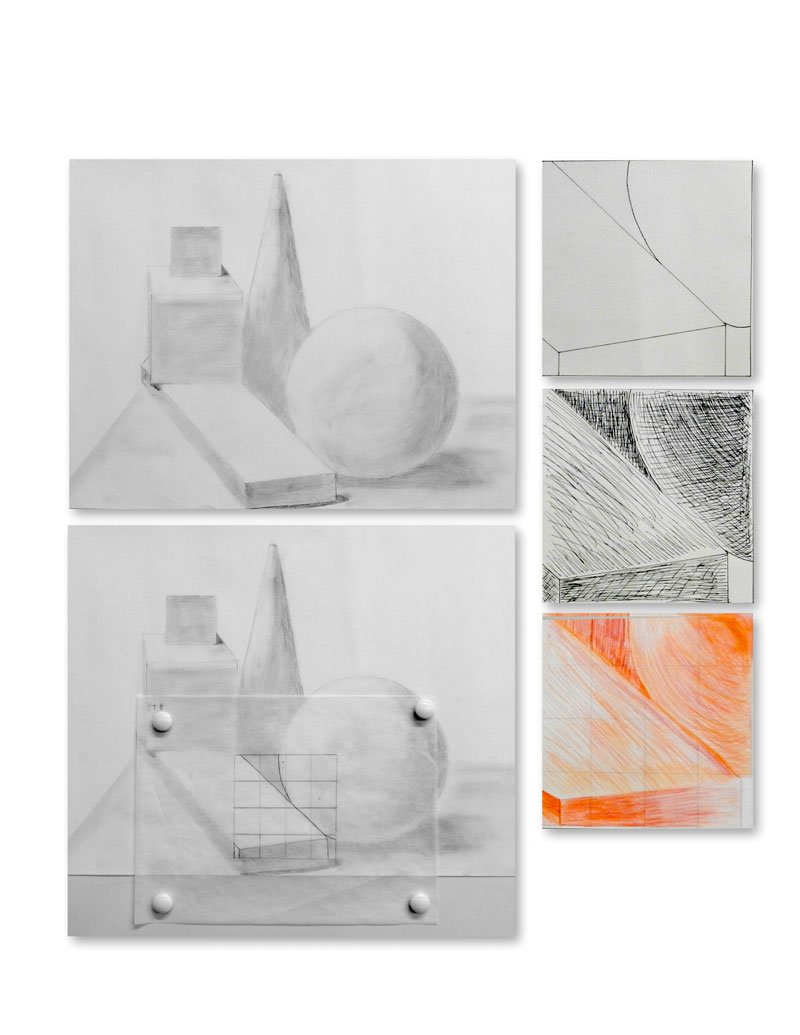
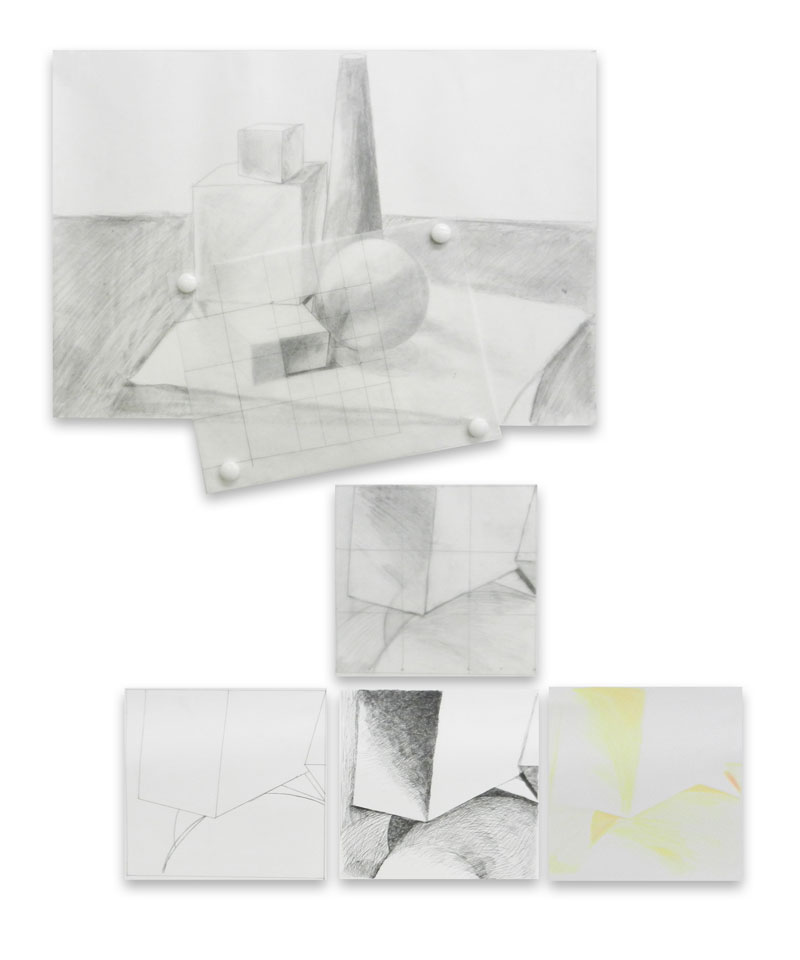
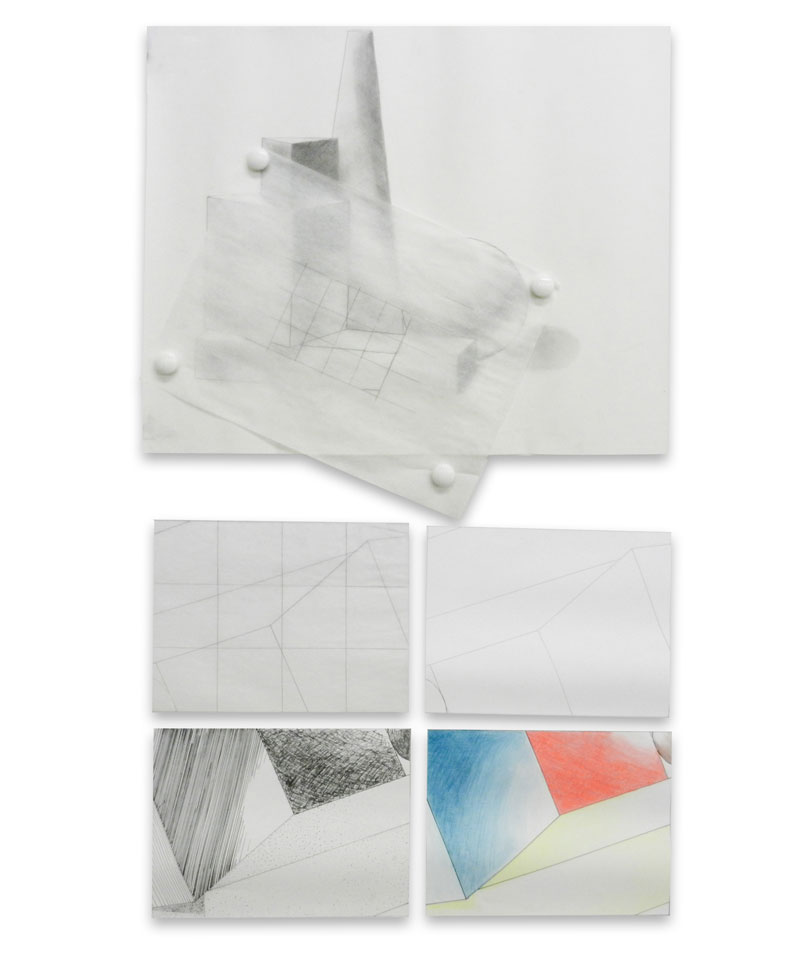
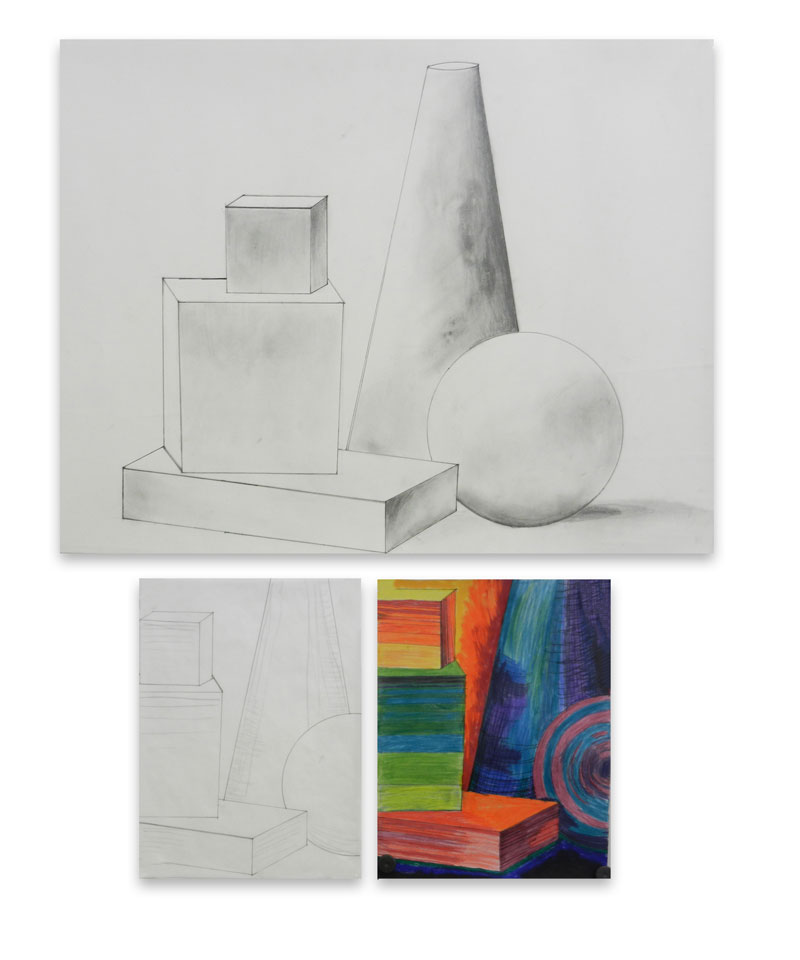
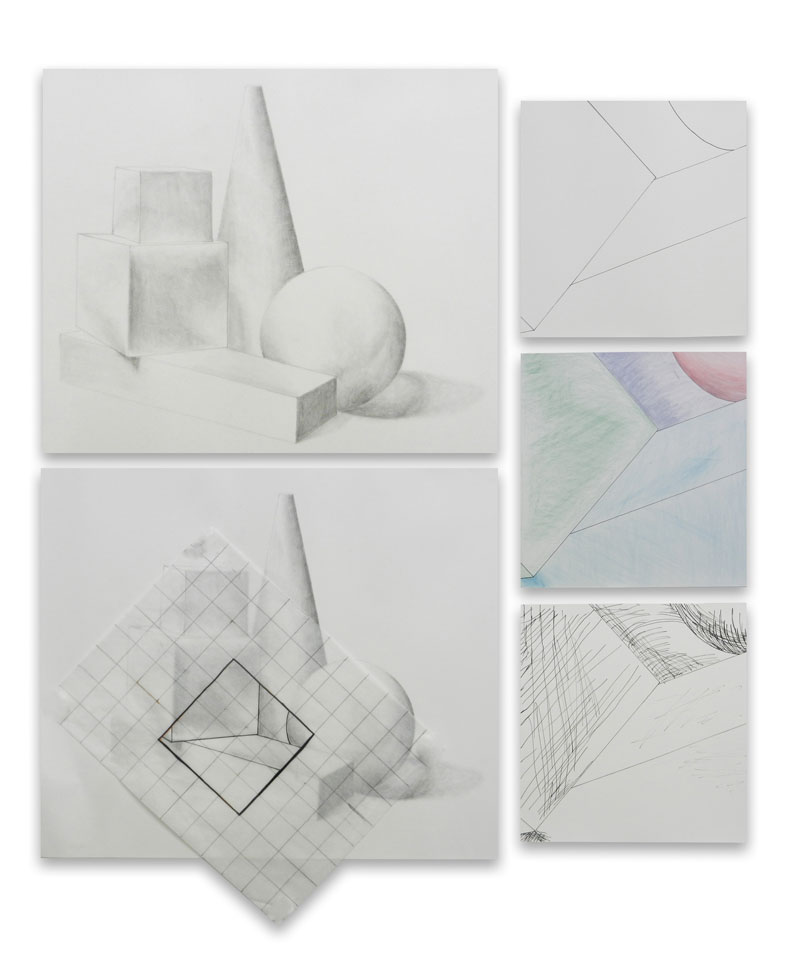
The Form Study challenges student to explore forms isolating this element by rendering them in a value scale. Students render a large still-life comprised of white forms. Then the exercise challenges them to create an abstraction from the original composition. This bring a new skill in developing a grid and exploring re-framing a new composition extracted from the original drawing. Students create a simple contour drawing of the new extracted composition then are challenged to enlarge that drawing 200% using a grid to enlarge the extraction.
The final three drawings of this exercise includes s a well-drawn contour drawing, a drawing rendered with point and line, and a color rendering.
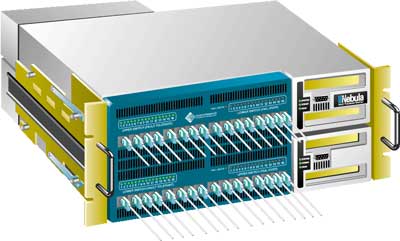
This illustration was created from photographs. The client needed a way to convey how the redundant switch worked. I created a series of illustrations for use in a powerpoint presentation that animated data transferring from the top hard drive to the bottom one.
This was a collaborative graduate school class project for Tangible Interface Design.
The creative problem to solve was to create an environmental experience utilizing electronic components and an Arduino micro controller. My team was comprised of three students. We designed an interactive scarf that represented different seasons and weather. Since we only had 3 people, we each chose a section of the scarf to develop: Winter, Summer and Spring. I worked specifically on in the Spring module, but also programmed the music component on the Summer module and I also developed the way to stitch the sections together to present our project.
Scarf Schematic
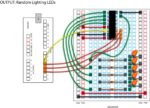
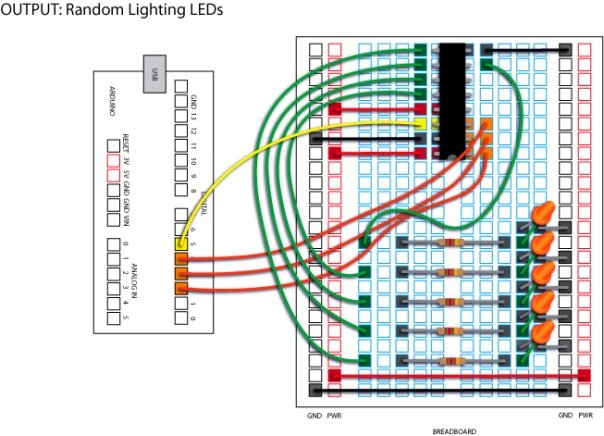
Breadboard Circuit Layout for Random Lights
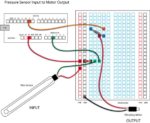
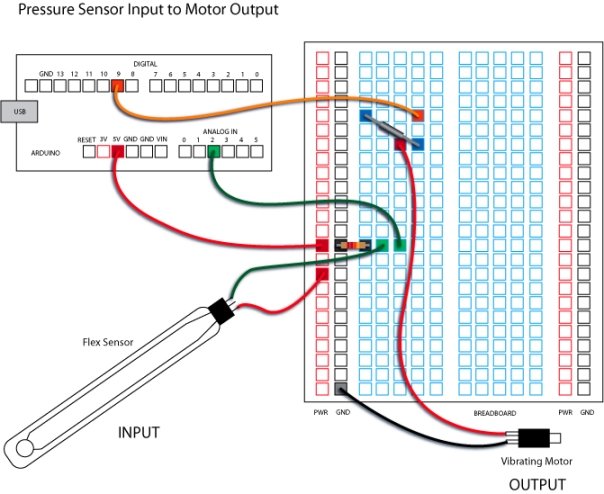
Breadboard Circuit Layout for Pressure Sensor
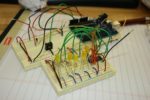
My Breadboards
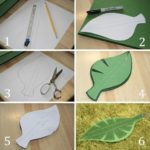
My Leaf Pattern
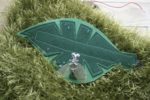
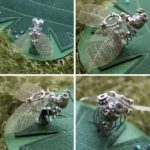
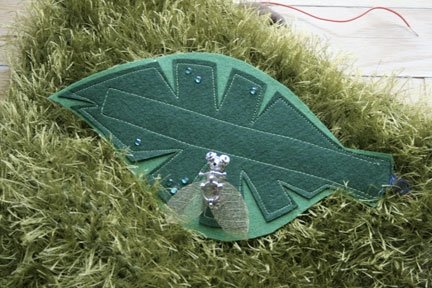
Final Leaf with Syborg Vibrating Bug
The Bug
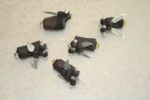
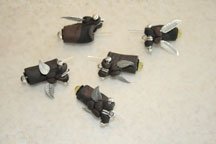
The Fire Flies
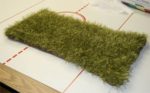
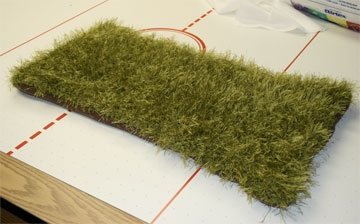
My Patch of Grass
Patch of Grass
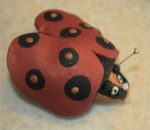
Lady Bug (never used)
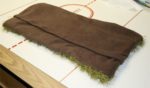
Back of My Patch of Grass
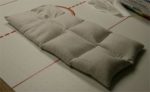
Stuffing that did not make the cut.
TANGIBLE COMPONENTS Fire Flies
The fire flies were created with yellow LEDs, jewelry components and fimo clay. After the clay was formed, the jewel components pressed into the clay, they were baked, cooled and then soldered to the wiring. The Arduino was programmed to randomly light them when the ambient lights dimmed.
Yellow Rose A rose made from fimo was created with a light sensor embedded in it, then wired to the Arduino and connected to the random lighting fire flies.
Cyber Bug
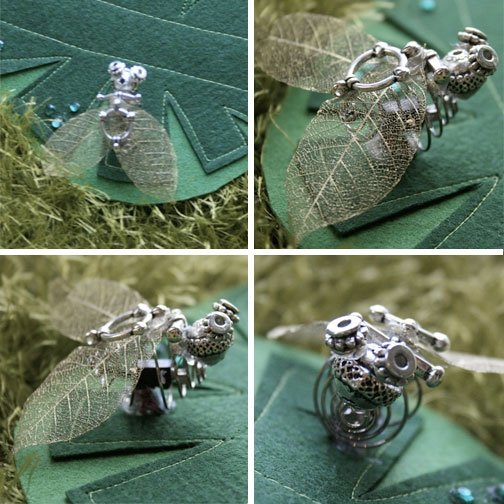
The cyber bug was created out of jewelry notions and a small pager motor wired to the pressure sensor. The bug was attached to the felt leaf. When the leaf was pressed at the base, the pager motor would vibrate and buzz the bug.
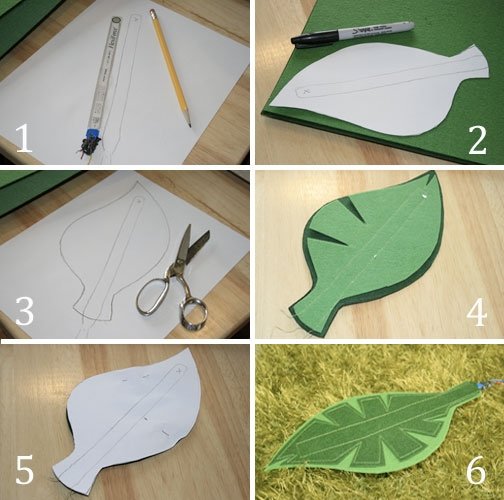
Leaf The leaf was made from two colors of green felt sewn together with a channel that the sensor slipped into and where the bug was attached at the peak of the leaf.
Making the Leaf
Final Leaf Assembly
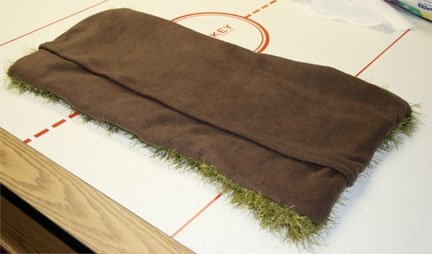
Patch of Grass (Duvet Cover)
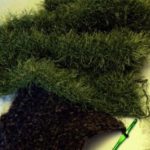
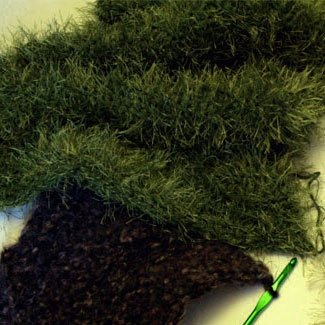
My patch of grass was created by crocheting a rectangular piece and attaching this to a soft brown material backing with a pocket opening to insert all the electronic wiring and components. It was similar to a pillow case, or duvet cover to house the Arduino, the breadboards, battery and all the wiring. The crocheted section worked really well to feed the wires out of the way into the casing.
I originally created a buckwheat insert — but it was too bulky and heavy for my duvet — so I eliminated this. You can see this insert above.
Components | Breadboards | Schematics
Developing electronic circuits was a new experience for me and being a visual person, I decided to create my own way to document how to make the various circuits that I used in my scarf. Here are two of the circuits that I developed and documented.
Breadboard Circuit Layout for Random LightsBreadboard Circuit Layout for Pressure SensorMy Breadboards
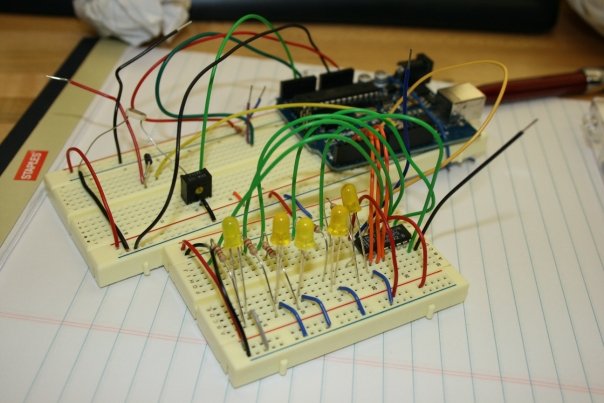
This is what the wiring looks like in reality! The green board is an Arduino micro controller which ties into a computer. You use a software program to create instructions for your interactive stuff then download it into the Arduino board (it has a little brain that tells the circuits what to do).
The two cream boards are called “bread boards.” These babies help you wire stuff up and test it before you actually solder everything together! Cool huh?
The above pictures my final breadboards. The Arduino sits at the back right of the long rectangular breadboard and has a USB port to attach to the computer to program. When the scarf is mobile, the circuits and Arduino run via a 9V battery assembly. The breadboard in the foreground is the circuit for the fireflies. The yellow LEDs in the board were used for the fireflies and were hard wired into the board with additional wire after the flies were created.
NOTE: Our final scarf was entered into a Regional Rochester Art Exhibition and won an award.